Microsoft Is Retiring Text Message MFA. Here’s What to Do
Microsoft is ending text message and phone call sign-in codes for Microsoft 365. Here's who it affects, the key dates and what to set up before February 1.
 Andy Frymyer
Director of Operations
6 min read
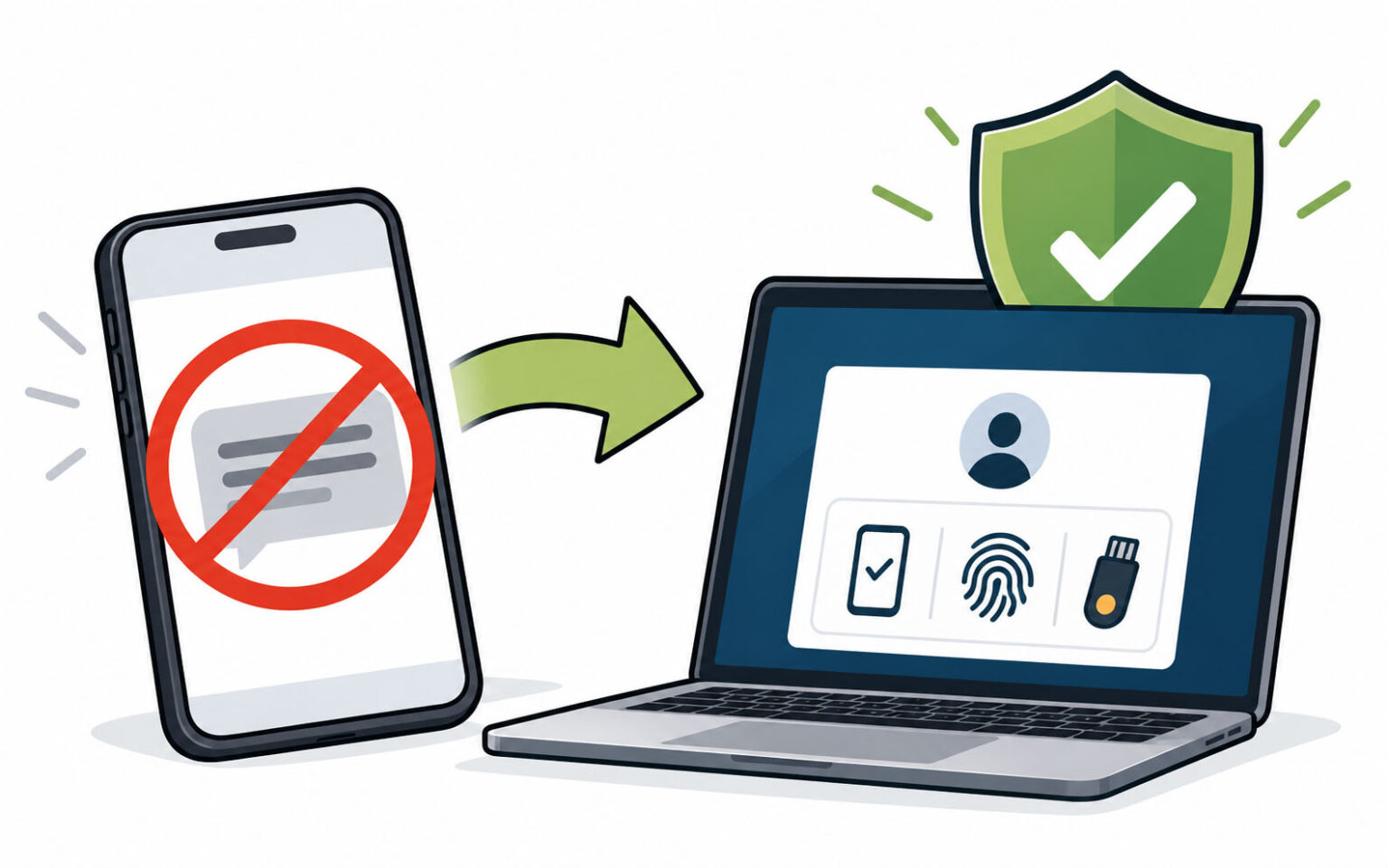
If your team signs in to Microsoft 365 with a code sent by text message, that is about to stop working. On February 1, 2027, Microsoft retires the text message and phone call codes it provides for multi-factor authentication (MFA) in Microsoft Entra ID, the sign-in system behind Microsoft 365. Passkeys become the default instead.
This isn't optional and there's no opt out. Here's what's changing, who it affects and what to do over the next few months.
What Microsoft Is Changing
Today, Microsoft sends those six-digit sign-in codes by text or reads them out in a phone call, at no extra cost. Microsoft announced in its July 13, 2026 security update that it's ending that service and making passkeys the default sign-in method.
Two things follow from that:
- Microsoft stops delivering the codes. After the cutoff, Microsoft no longer sends text or voice codes for the people in scope.
- Anyone who only has text or voice gets stopped. According to Microsoft's retirement guide, people whose only MFA method is text or voice will see a blocking prompt at sign-in. They have to register a passkey before they can get into their account.
The Dates That Matter
| Date | What happens |
|---|---|
| September 1, 2026 | Already started. People set up for text or voice are switched on for passkeys and nudged to register one at sign-in. They can skip the nudge for now. |
| February 1, 2027 | Microsoft's text and voice codes end for everyone except Global Administrators and external users. Text-only users are blocked until they register a passkey. |
| July 1, 2027 | The same retirement applies to Global Administrators and external users. |
If some of your staff have been dismissing a "set up a passkey" prompt since September, this is why.
Who Gets Locked Out on February 1
The people at risk are the ones whose only second step is a text or a phone call. In a small business that's usually:
- Staff who set up MFA years ago and never added the Authenticator app
- People who don't want a work app on their personal phone
- Shared or front desk accounts that use one person's cell number
- Owners and managers who added text codes as a "backup" and forgot
A blocking prompt isn't a disaster on its own. The problem is that it shows up at 8:00 AM on a Monday for someone who is out of the office, on a new phone, or has no idea what a passkey is. Then it becomes a help desk call, or a day of lost work.
Why Microsoft Is Dropping Text Codes
Text codes were a big step up from passwords alone, but attackers have learned to get around them. A fake sign-in page can ask for the code and pass it along in real time. Scammers can also talk a phone carrier into moving someone's number to a new SIM card, and then the codes go straight to them.
AI has made the fake pages more convincing. Microsoft reports AI-driven phishing campaigns getting click rates as high as 54%, compared with roughly 12% for traditional ones.
Passkeys close that gap. A passkey only works on the real website it was created for, so a look-alike sign-in page gets nothing it can use. That's why security agencies call this kind of sign-in "phishing-resistant." We cover the different kinds of MFA, and which ones hold up, in our guide to choosing multi-factor authentication.
What a Passkey Is, in Plain Terms
A passkey replaces the code with something only your device can do. You sign in, and your phone or computer asks for your face, fingerprint or PIN. That's it. No code to type and nothing for a scammer to collect.
Microsoft accepts a few kinds:
- A passkey in the Microsoft Authenticator app on the person's phone
- Windows Hello on a work computer
- A physical security key that plugs into a USB port or taps the phone
- A synced passkey saved in iCloud Keychain or Google Password Manager
For most small businesses, the Authenticator app passkey plus Windows Hello on company laptops covers almost everyone. Security keys are a good fit for people who can't or won't use a personal phone.
What to Do Before February 1
You have about three months. That's plenty of time if you start now, and not much if you wait for the blocking prompts to do the work.
- Find out who still relies on text or voice. Microsoft publishes a free report script that lists them. Your IT provider can run it in a few minutes.
- Turn on passkeys on purpose. Microsoft already switched on passkeys for some users. Review those settings so they match how your company works, rather than leaving the defaults.
- Tell people before Microsoft does. A short email explaining what's changing and why, then simple setup steps for iPhone, Android and Windows. Follow up with anyone who hasn't registered.
- Handle the edge cases. Shared accounts, people without a work phone, and anyone who travels a lot need a plan, usually a security key or Windows Hello.
- Check your admin accounts. Global Administrators get until July 1, 2027, but they're the accounts attackers want most. Move them first, not last.
- Clean up the leftovers. Once everyone has a passkey or the Authenticator app, remove old phone numbers as a sign-in method so nobody falls back to the weakest option.
We're already moving our clients to passkeys ahead of the cutoff. If you'd rather not handle the setup yourselves, this is the kind of work our Microsoft 365 security and hardening services cover, from finding text-only users to rolling out passkeys without disrupting the office.
Should You Keep SMS Through a Provider?
Microsoft is leaving one door open. Organizations can contract with an approved outside phone provider through the Microsoft Security Store and keep sending text or voice codes. Microsoft notes the cost is on the customer.
For most small businesses we don't recommend it. You'd be paying extra to keep the sign-in method Microsoft is retiring because it's easy to phish. It makes sense only when there's a documented need, such as a regulation, a contract or a group of users who truly can't use anything else. Even then, Microsoft's own guidance is to limit it to that group.
Where to Start
Start with the list of who still signs in with text codes. Once you know that number, the rest is a short, planned rollout instead of a scramble in February.
If you want a second set of eyes on your Microsoft 365 sign-in settings, book a free 15-minute call with our team. We'll tell you where you stand and what to do first.
The Short Version
On February 1, 2027, Microsoft stops sending text message and phone call MFA codes for Microsoft 365. Anyone whose only sign-in method is a text or call will be blocked until they register a passkey.
Passkeys use your face, fingerprint or PIN on a phone or computer, and they can't be captured by fake sign-in pages.
Find out who still uses text codes, roll out passkeys on your own schedule, and move admin accounts first.
Frequently Asked Questions
When does Microsoft stop sending MFA text messages?
February 1, 2027 for most users. Global Administrators and external users follow on July 1, 2027. Since September 1, 2026, Microsoft has been prompting text and voice users to register a passkey.
What happens if someone only has text message MFA after February 1?
They get a blocking prompt at sign-in and must register a passkey before they can get into their account. There is no opt out for this.
Can we keep using text message codes?
Only by contracting with an approved outside phone provider through the Microsoft Security Store. The cost is on your organization, and it only makes sense when there is a documented business or regulatory need.
What counts as a passkey for Microsoft 365?
A passkey in the Microsoft Authenticator app, Windows Hello, a physical security key, or a synced passkey in iCloud Keychain or Google Password Manager. Each one signs you in with a face, fingerprint or PIN instead of a code.
How do I find out which employees still use text message MFA?
Microsoft publishes a free report script that lists users enabled for text and voice. Your IT provider or Microsoft 365 administrator can run it and give you the list.
Andy Frymyer
Director of Operations, IntermixIT
Andy optimizes service delivery and aligns IT with the business outcomes our clients care about.