Cybersecurity Awareness Month: A Four-Week Plan for Your Business
One focus a week for October: accounts, updates, scams and recovery. A practical Cybersecurity Awareness Month plan any Central PA business can finish by Halloween.
 Andy Frymyer
Director of Operations
5 min read
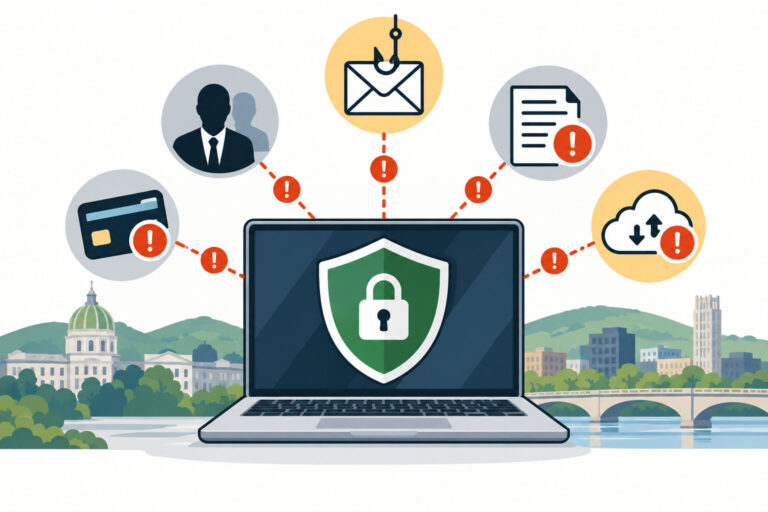
October is Cybersecurity Awareness Month. Most businesses mark it by forwarding a tip sheet that nobody reads. A better use of the month is to fix one real thing each week. By Halloween your business will be measurably harder to break into.
This year's two national campaigns point in the same direction:
- National Cybersecurity Alliance: its theme, "Don't Make It Easy for Them," focuses on four habits. Strong passwords, multi-factor authentication, keeping software updated, and spotting scams.
- CISA: its "Securing the Next 250" campaign asks organizations to reduce what attackers can reach, replace end-of-support devices, and be able to recover quickly.
Below is how we'd turn both into a four-week plan for a small or midsize business.
Week 1: Lock Down Your Accounts
Most break-ins start with a login. An attacker with one employee's email password can read invoices, reset other passwords and send convincing messages to your clients.
This week:
- Turn on MFA for every email account, including shared mailboxes and the owner's account. Microsoft says MFA can block more than 99.2% of account compromise attacks.
- Roll out a password manager so people stop reusing the same password everywhere.
- Remove accounts for former employees and vendors you no longer use.
- Check for strange email forwarding rules. Attackers inside a mailbox often set one up to quietly copy or hide messages.
You're done when every account asks for a second step at sign-in and nobody who has left can still log in.
If you aren't sure which kind of MFA to use, our guide to why multi-factor authentication matters explains the options in plain terms.
Week 2: Update and Replace
Verizon's 2026 Data Breach Investigations Report found something new: attackers exploiting software flaws has passed stolen passwords as the most common way into a business. Updates are no longer a nice-to-have.
This week:
- Check that updates are actually installing on every computer and server, not just switched on.
- List every device that's past its support date. Windows 10 stopped getting security updates in October 2025.
- Plan for the next deadline. Windows Server 2016 stops getting updates on January 12, 2027. If you still run it, our post on what to do about Windows Server 2016 end of support walks through the choices.
CISA's message here is blunt. A device that no longer gets updates should be replaced, not watched.
You're done when you have a list of every device with its support end date, and a plan and budget for anything expiring in the next year.
Week 3: Slow Down the Scams
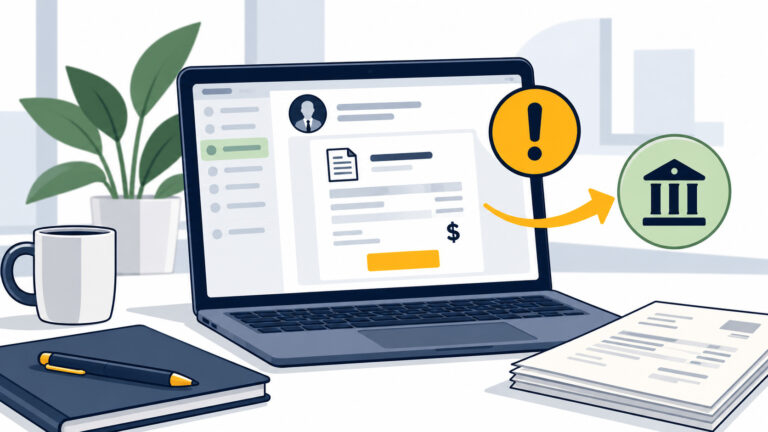
The most expensive attacks don't involve malware at all. They're a believable email asking someone to pay an invoice or change bank details. The FBI's 2025 Internet Crime Report put business email compromise losses at more than $3 billion in one year.
This week:
- Make it a written rule: any new or changed payment instruction gets verified by phone, using a number you already have on file.
- Require a second approver for wires above a set amount.
- Run a 15-minute team huddle on what today's scam emails and texts look like. AI has removed the bad grammar that used to give them away.
You're done when the payment rule is written down, everyone who touches money knows it, and they know it applies even when the request seems to come from the owner.
Our article on how fake invoice scams work has real examples you can share with your team.
Week 4: Prove You Can Recover
Having a backup and being able to recover from one are not the same thing. CISA's "Recover" message asks a simple question: if your systems were locked tomorrow, how long would it take to get back to work?
This week:
- Restore one real file and one full system from backup, and time it.
- Confirm at least one backup copy is offline or can't be changed, so ransomware can't reach it.
- Write down who to call first: your IT provider, your bank, your cyber insurer and your attorney. Put the list somewhere that doesn't depend on email.
You're done when you know your real recovery time and someone other than you could start the process.
If the restore takes longer than your business can afford to be down, you've found your most important project for 2027.
Make It Stick After October
One good month helps, but attackers don't stop in November. The businesses that stay safe turn these four weeks into a routine. Accounts get reviewed whenever someone joins or leaves, updates are checked monthly, the payment rule is part of new-hire training, and a restore gets tested every quarter.
A short refresher on scams each quarter matters as much as any tool. Ongoing security awareness training with realistic practice emails keeps the habit fresh, which is exactly what this year's "Don't Make It Easy for Them" theme is about.
Where to Start
You don't need to do all of this at once, which is the point of spreading it over a month. Pick an owner for each week, put a 30-minute block on the calendar, and check it off.
If you'd rather have someone do it with you, this is the work our cybersecurity services cover every day for businesses across Harrisburg and Central PA. Book a free 15-minute intro call, and we'll tell you which week you should start with.
The Short Version
Use Cybersecurity Awareness Month to fix one real thing a week instead of sending a tip sheet.
Week 1, accounts: MFA everywhere and a password manager. Week 2, updates: patch, and replace anything past its support date. Week 3, scams: phone-verify every payment change. Week 4, recovery: test a real restore and time it.
By the end of October, your business is measurably harder to attack.
Frequently Asked Questions
When is Cybersecurity Awareness Month?
Every October, October 1 to 31. It's led by the National Cybersecurity Alliance and CISA, the federal Cybersecurity and Infrastructure Security Agency.
What is the 2026 Cybersecurity Awareness Month theme?
The National Cybersecurity Alliance's theme is "Don't Make It Easy for Them," focused on passwords, MFA, updates and scams. CISA's campaign is "Securing the Next 250," built around reducing exposure, replacing end-of-support devices and recovering quickly.
What should a small business do for Cybersecurity Awareness Month?
Pick one focus a week: lock down accounts with MFA, make sure updates install and old devices are replaced, put a phone-verification rule on payment changes, and test a real backup restore.
What is the most common way attackers get into a business today?
Verizon's 2026 Data Breach Investigations Report found that exploiting software vulnerabilities has passed stolen credentials as the top way in. That's why patching and replacing unsupported systems matter so much.
How do we know if our backups actually work?
Test them. Restore a real file and a full system, time how long it takes, and confirm at least one copy is offline or can't be changed.
Andy Frymyer
Director of Operations, IntermixIT
Andy optimizes service delivery and aligns IT with the business outcomes our clients care about.